Kitchen · María · 20:14
· · · «We are out of five semi-cured cheeses and a pack of carrots.»
Your team calls out what’s missing from the kitchen or the bar, and each supplier’s order comes out written. When the delivery note arrives, upload it as a photo or PDF (Pro and Groups): the AI reads the lines, you confirm, and it warns you if a supplier raises a price.
14 days, no card · No lock-in · Works in the browser, nothing to install
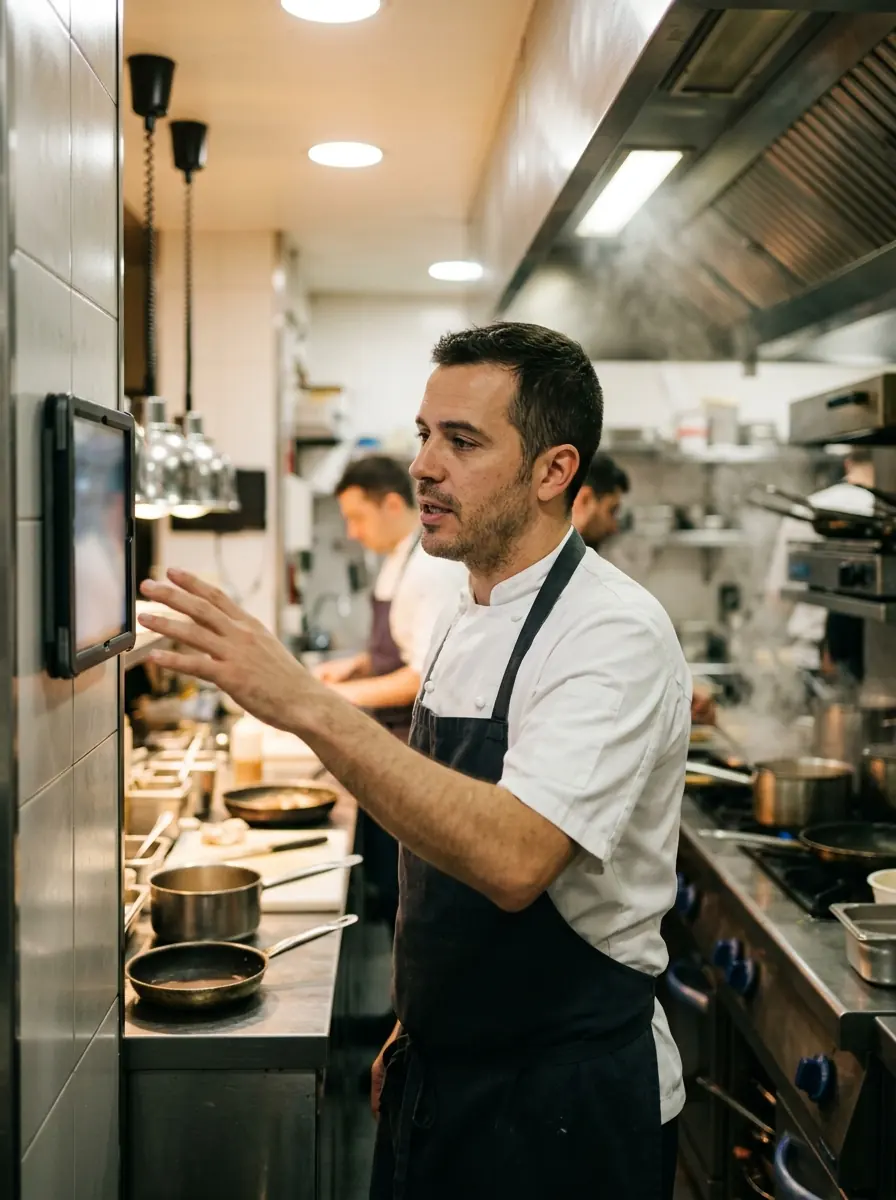
For bars, restaurants and multi-site groups.
Three steps. The one that costs the most—writing it down—is no longer yours.

Your team calls out what’s missing in a voice note, from the kitchen or the bar, with the usual noise. And the delivery note that arrives, as a photo or PDF (Pro and Groups).
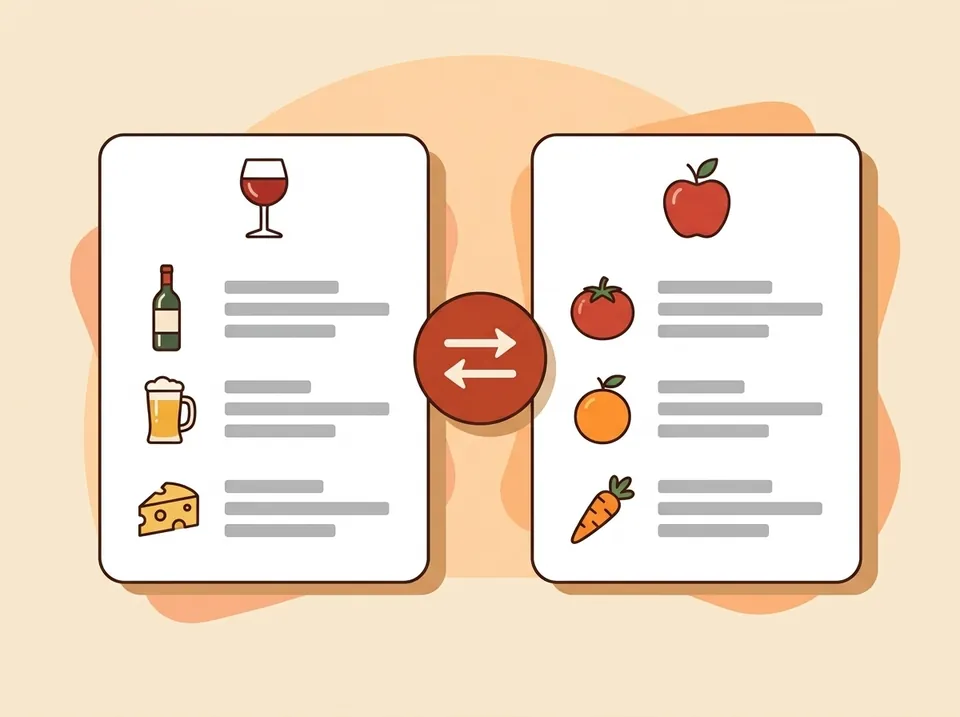
Speak Kitchen transcribes, picks out products and quantities and sorts them by supplier. From the delivery note it reads supplier, lines and prices, and shows them to you to confirm.
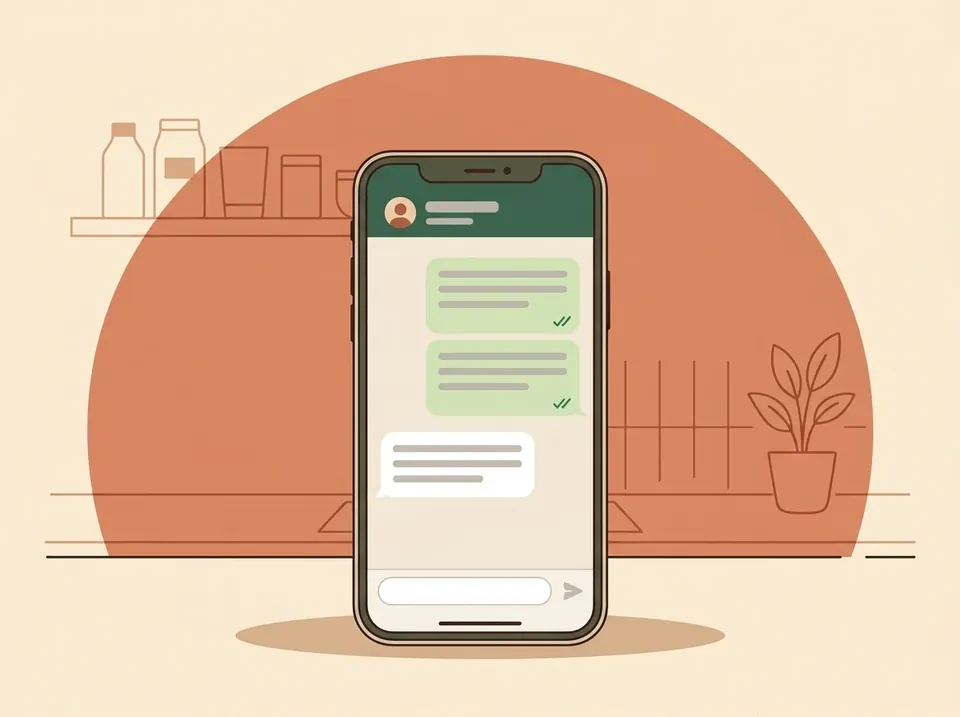
At close you get the summary and one order per supplier (Pro and Groups): by email at the time you set, or with WhatsApp open and the message already written. You decide what goes out.
Recorded from the phone or the kitchen tablet, no app: everyone signs in with their name and PIN. Tested with background noise and someone talking nearby; with no signal the note waits and sends itself. At close, a summary of everything said (Pro and Groups).
Each product goes to whoever supplies it: you tick each supplier’s categories and assign what doesn’t fit with one tap. Speak Kitchen learns it. The message comes out written, with a greeting and your signature.
On Pro you set a time and each supplier with an email gets their order automatically, with the day’s pending items. Off by default, with exceptions per supplier. On WhatsApp it’s one tap per supplier: you send it. And a notification on your phone when it’s ready.
You upload the photo or PDF and the AI reads supplier, number, date, lines, prices and total. You review and confirm it: until then it counts for nothing. Then it checks it against what you ordered and tells you what was missing.
If a supplier raises a product above the percentage you set (10 % by default), you find out when you confirm the delivery note, and on your phone. And spend by period, supplier and category, with a CSV for your accountant.
You say “Juan, change the walk-in’s door seal tomorrow” (Pro and Groups) and it’s assigned, with a date; on Base you create them by hand. Everyone sees theirs and you see everything: who has each task and which are late.
Every delivery note that comes in is read, reviewed and checked against the order. Mismatches and price rises stop going unnoticed.
The sheet marks each line: as ordered, short, over, or not ordered. What you ordered and didn’t arrive is listed apart, with the message to chase the supplier ready on WhatsApp or email.
It compares each product’s price per unit with your previous purchase from the same supplier. If it rises more than the threshold you set, the alert shows on the delivery note and as a notification on your phone. The first purchase doesn’t alert: there’s nothing to compare with.
Each product’s price over time, by supplier; each supplier’s history with its orders and delivery notes, filterable; and spend by period, supplier and category.
Pro and Groups The AI proposes, you confirm: nothing counts until you confirm it.
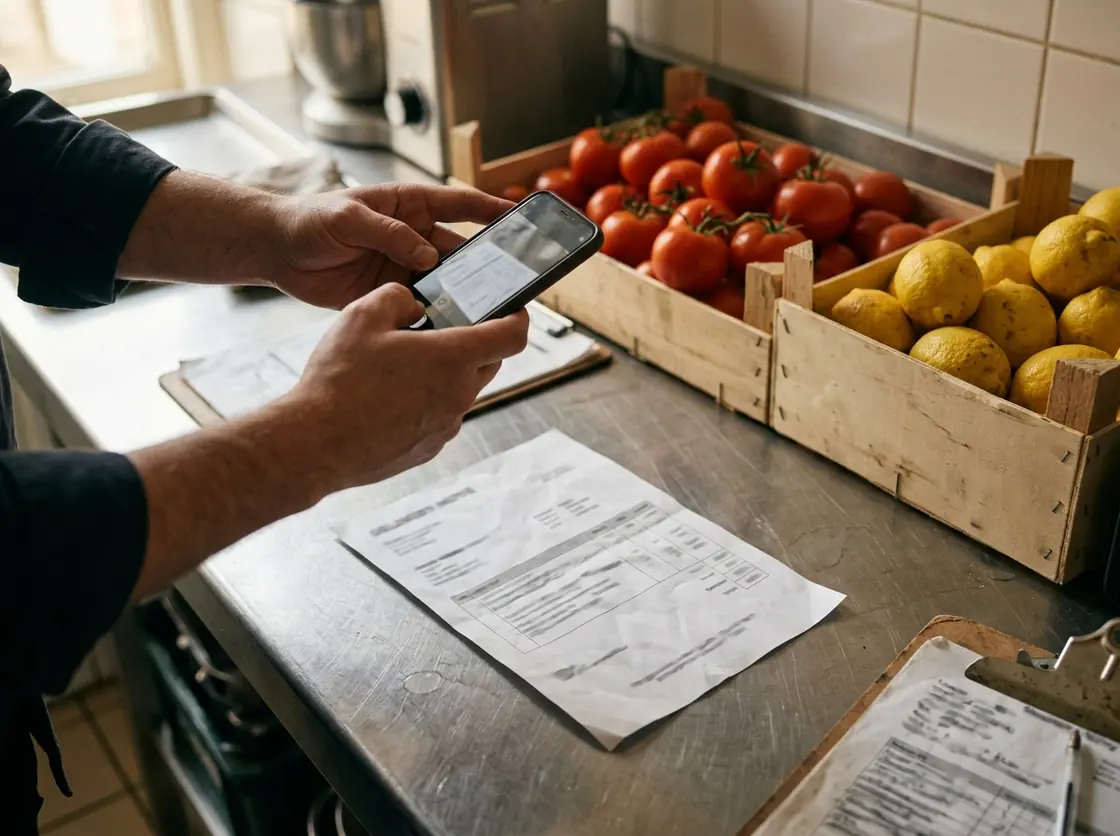
Each supplier gets only what's theirs, by WhatsApp or email, in one tap. The message greets them by name, good morning or good evening depending on the time, and is signed by you. And Speak Kitchen learns who each product goes to.
Set a time and each email supplier's order goes out on its own with what's pending for the day. Off by default, with per-supplier exceptions, and what you already sent by hand is not repeated.
When the day's summary is ready and at the automatic order time, a notification on your phone that opens the summary. One tap per WhatsApp supplier.
Every order you've sent them, with date, quantities and how it went out. When a delivery note doesn't add up, there's what was ordered.
On the phone of whoever places the order and on the kitchen tablet, with its icon. No app store, no updates.
For a bar or a café
29€/month + VAT
For a restaurant with a kitchen
59€/month + VAT
For several locations
99€/month + VAT
per restaurant, with a discount from the second one
Monthly or yearly billing on Base and Pro (two months free a year). Groups is monthly only. See what each plan includes
No. A tablet or an old phone in the kitchen is enough: each person signs in by picking their name and typing their PIN, and signs out at the end of the shift. Anyone who prefers their own phone can use it too.
The note is recorded anyway and waits on the phone itself. When the connection comes back it sends on its own, with nobody having to remember. Kitchen wifi drops all the time and that can't cost you an order.
No. Fourteen full days, no card. If you're convinced sooner you can add it whenever you like: the days you have left aren't lost and you're not charged until they run out.
No, and that's deliberate. WhatsApp opens with the order already written and you choose who gets it and what to change first. Software that sends orders on its own is software that one day sends the wrong one. By email, if you decide so, yes: on Pro you can set a time at which each email supplier's order goes out on its own, off by default and with per-supplier exceptions.
Your restaurant's, the one you pick in settings. Transcription is tuned for that language and for kitchen vocabulary, which is where these things get it wrong most.
Nothing happens: with no notes there's no service day to close, so no summary is produced and no email reaches you. Nobody has to remember to switch anything off.
You deactivate them in settings and they can't sign in from that moment. What they left stays: the restaurant's history is yours, not theirs.
That's exactly what it's built for. The Base plan covers three places to leave notes from — kitchen, bar, store room — and five people, which is most teams.
Yes, as CSV, which any spreadsheet opens. No emailing us and no waiting for anyone.
Yes, from “Today”. The note goes and so does the audio: if someone said something they shouldn't have, it's really gone.
Yes, on the Groups plan: you switch between them from the same account and each one has its own places, team and summary.
Whenever you want, from your own panel, under Subscription. No phone call, no email, no minimum term.
Yes. Tested with kitchen noise in the background and someone else talking right next to it. The microphone is tuned to pick up the person speaking.
They are kept with the note, so you can listen again to what was said. Delete the note and the recording goes with it.
On servers in Europe. Each restaurant sees only its own, and nobody outside has access.
No. It runs in the phone or tablet browser, without downloading any app.
Yes: kitchen, bar, storeroom… Every note says where it was left from.
Nothing is deleted on the spot. You can keep recording and reading notes; the AI summary and settings switch off until you add a card. If you don't, we let you know and delete the account a week later.
Yes. You add your suppliers with their WhatsApp or email and what each one supplies (dairy, drinks, meat…). At closing, each supplier has their own order with its own button: WhatsApp opens with their number, or your email if they only have email. Anything it can't place, it asks you once and learns for next time.
By what each one supplies: when you add them you tick their categories (dairy, drinks, meat, fish, fruit and veg…). Anything that doesn't fit you assign with one tap from the order itself and it stays fixed, and anything you've sent twice to the same supplier goes there on its own. If there's no way to know, it stays «unassigned»: it never guesses.
By email, yes, if you turn it on: on Pro you set a time and each email supplier gets their order with what's pending for the day. You can exclude suppliers, what you already sent by hand is not repeated, and you get an alert with what went out. Not by WhatsApp: there, you always press send.
Yes. With the app installed on your phone you get a notification when the day's summary is ready and when the automatic order goes out; tapping it opens the summary. Without the notification turned on, it comes by email.
Both. A photo from your phone or a PDF, up to four files per delivery note for multi-page ones. If your iPhone saves in HEIC, set Settings › Camera › Formats › “Most Compatible”. Delivery notes are on the Pro and Groups plans.
You or your manager. The AI reads the delivery note and shows you what it read: supplier, number, date, lines, prices and total. It doesn’t count towards prices, spend or alerts until someone confirms it. You can correct it first, and a confirmed delivery note can be reopened.
You correct it before confirming. The sheet warns you when the numbers don’t add up, for example a line’s amount, the subtotal against the sum of the lines, or the total against subtotal plus VAT, and anything the AI can’t read is left blank: it is never filled in with a zero. It reads better from sharp, well-framed photos.
We don’t promise it: reading is far more reliable with printed delivery notes and sharp photos. With a handwritten or crumpled one, check what was read carefully before confirming; that’s what confirmation is for.
When you confirm a delivery note it compares each product’s price per unit with your previous purchase from the same supplier. If it rises above the percentage you set (10 % by default), an alert appears on the delivery note and as a notification on your phone. The first purchase doesn’t alert: there’s nothing to compare with.
No. They install nothing and don’t have to use the app: you send them the order by WhatsApp or email as always, and they give you the delivery note on paper or as a PDF as always.
Pro and Groups. The Base plan covers voice notes, transcription and the history by location.
A spreadsheet to know what to order each week. Sign up and we'll email it to you.
Write to us and we’ll have it running in your kitchen within a day.
14 days, no card · No lock-in